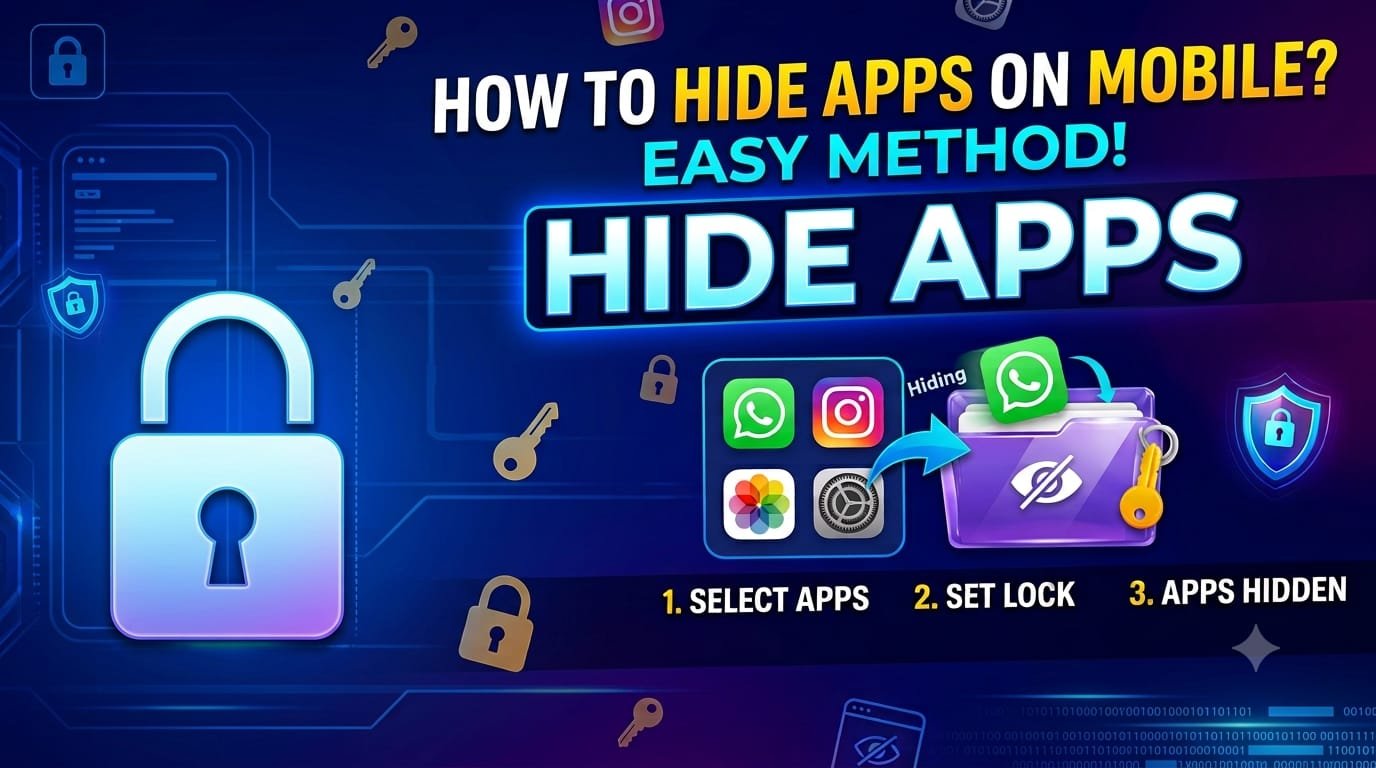

Smartphones have become a part of our everyday life. Our phones hold a lot of sensitive data, from personal photos and private conversations to banking apps and work-related information. This makes many users look for a way to protect their privacy. One of the best solutions is to use a Hide Apps feature or application.
App hiding tools can be extremely handy whether you want to hide personal apps from prying eyes, organize your home screen, or add an extra layer of security. In this article we will explore what hide apps are, why people use them, the key features and benefits of hide apps, and tips on how to choose the best app for your needs.
What are hidden apps?
Hide Apps are apps or built-in smartphone features that allow users to hide selected apps from the home screen, app drawer or both. Hidden apps are still on the device, but they are not easily visible or accessible to others.
While some Android smartphones have a built-in app hiding feature, other phones require users to download third-party apps from the Google Play Store. These apps also come with additional security features such as password protection, PIN locks, fingerprint authentication and even disguise modes.
Hide apps are mainly aimed to add privacy while keeping important applications.
Why Do People Use Hide Apps?
There are many reasons why a user hides some applications.
Protect Personal Privacy
Smartphones hold a treasure trove of personal information, from messaging apps and financial services to health records and personal notes. Hiding these apps helps avoid unauthorized access when you lend someone your phone.
Protect critical applications
Apps like banking, cryptocurrency wallets, password managers and business apps often contain sensitive information. Hiding these apps provides a second layer of protection against accidental exposure.
Home Screen Organizing
You don’t want to see every app you’ve installed on your home screen. You get a clean and organized interface by hiding the apps that are not used that often. It makes it easier to find the apps that are used more often.
Prevent Kids From Opening Certain Apps
Parents frequently let kids borrow their phones for games or educational content. Hidden apps prevent kids from accidentally accessing shopping apps, work-related tools or settings.
Limit Distractions (4)
Many users hide social media or gaming apps to stay focused and be more productive. Keeping these apps out of sight can foster healthier smartphone habits.
Hide Apps Main Features
Modern hide apps do much more than just make icons disappear. Some common features are here.
Apps hiding
The main feature lets users hide certain apps from the launcher or app drawer while keeping the apps installed and functional.
Protect Your Password
Most apps that hide apps require a PIN, password or pattern before you can get to your hidden apps.
Fingerprint unlocking
Biometric authentication enables devices with fingerprint sensors to be more secure and faster to access things.
Fake Calculator or Vault Mode
Some more sophisticated apps hide as calculator or some other boring app. Hidden content is viewable only to users who correctly enter the PIN.
Private area
There are many hide apps that offer a safe environment for users to store photos, videos, documents, and applications separately from the main phone interface.
Notification Control
Some apps also hide notifications from selected apps so that private messages don’t show up on the lock screen.
Advantages of Using Hide Apps
There are several practical advantages to using a hide apps solution.
Improves your privacy.
Confidentiality of Information.
Makes for a better home screen.
Prevents accidental opening of apps.
Minimizes distractions.
Provides additional security above the device lock screen.
Aids in systematic organization of applications.
Peace of mind when sharing your phone.
Is Hiding Apps Safe?
Popular hide apps from reputable developers are safe to use. But users should always be cautious before downloading any privacy app.
Here are some safety tips:
Get apps from trusted places like the Google Play store.
Read the user reviews before you install.
Review app permissions carefully.
Don’t give apps access they don’t need to have.
Please update your app frequently.
- Use complicated passwords or PINs.
Use biometric authentication whenever possible.
Choosing a good hide app is important to protect your privacy as well as your device.
Built-in app concealment
Many Android manufacturers already offer app hiding features.
Depending on your device you may find this option under:
Home Screen Settings
Privacy Policy
Security Options
App Lock, Secret Apps
Secure Folder Personal Area
The safest option is often to turn to the built-in feature, since it’s made specifically for the operating system on your phone.
Hide Apps by 3rd Party
If you don’t have the option to hide apps built-in to your phone, there’s more flexibility with third-party apps.
These apps usually have features like:
Hidden app vault
App duplication
Hidden folders
Incognito mode
File encrypt”>
Fingerprint and PIN security
Support custom launchers
Before you install any third-party application, always check for good ratings, frequent updates and a trusted developer.
How to Choose the Best Hide App
Not all hide apps are equal in terms of privacy or security. Here are some points to consider before you make up your mind.
Security is Strong
Choose apps that have PIN protection, passwords and fingerprint authentication.
Frequent updates
Regular updates suggest active development and improved security.
Good User Reviews
High ratings and high download numbers are usually indicators of more reliable apps.
Easy-to-Use Interface
Pick an app that’s simple to use and doesn’t have unnecessary complexity.
Fewer Advertisements
Too many ads reduce usability and sometimes mean lower quality software.
Privacy Notice
Learn more about how your data is processed in the developer’s privacy policy.
Common Mistakes While Hiding Apps
Some people believe that hiding an app makes it completely secure. In reality, hiding an app is only one layer of protection.
An app can sometimes be hidden and not show up in the app drawer or on the home screen. So, app hiding with screen locks, biometric authentication and app lock features provide stronger security.
Another misconception is that hiding apps is only for hiding personal information. Many users hide apps, really, just to keep their home screens organized or less cluttered.
Closing Words
Hide Apps are a quick and simple way to increase smartphone privacy, enhance security, and create a cleaner user experience. If you want to protect your private conversations, hide your banking apps, organize your home screen, or reduce distractions, these tools provide practical benefits for the everyday smartphone user.
To make the best of them, always choose trusted applications, activate strong authentication methods, and keep your device updated with the latest security patches. App hiding is not a substitute for good security practices, but it is a great way to add an extra layer of protection for your personal information.
With smartphones becoming more and more capable of storing our digital lives, using reliable hide apps is an increasingly valuable way to protect privacy and keep important applications safe.