
Tired of looking at the same Android home screen day in and day out? Then it might be time for a change. Most Android phones come with a familiar layout that includes app icons, widgets, folders and a standard app drawer. This setup is perfectly fine, but after a long time of using it, it can get boring.
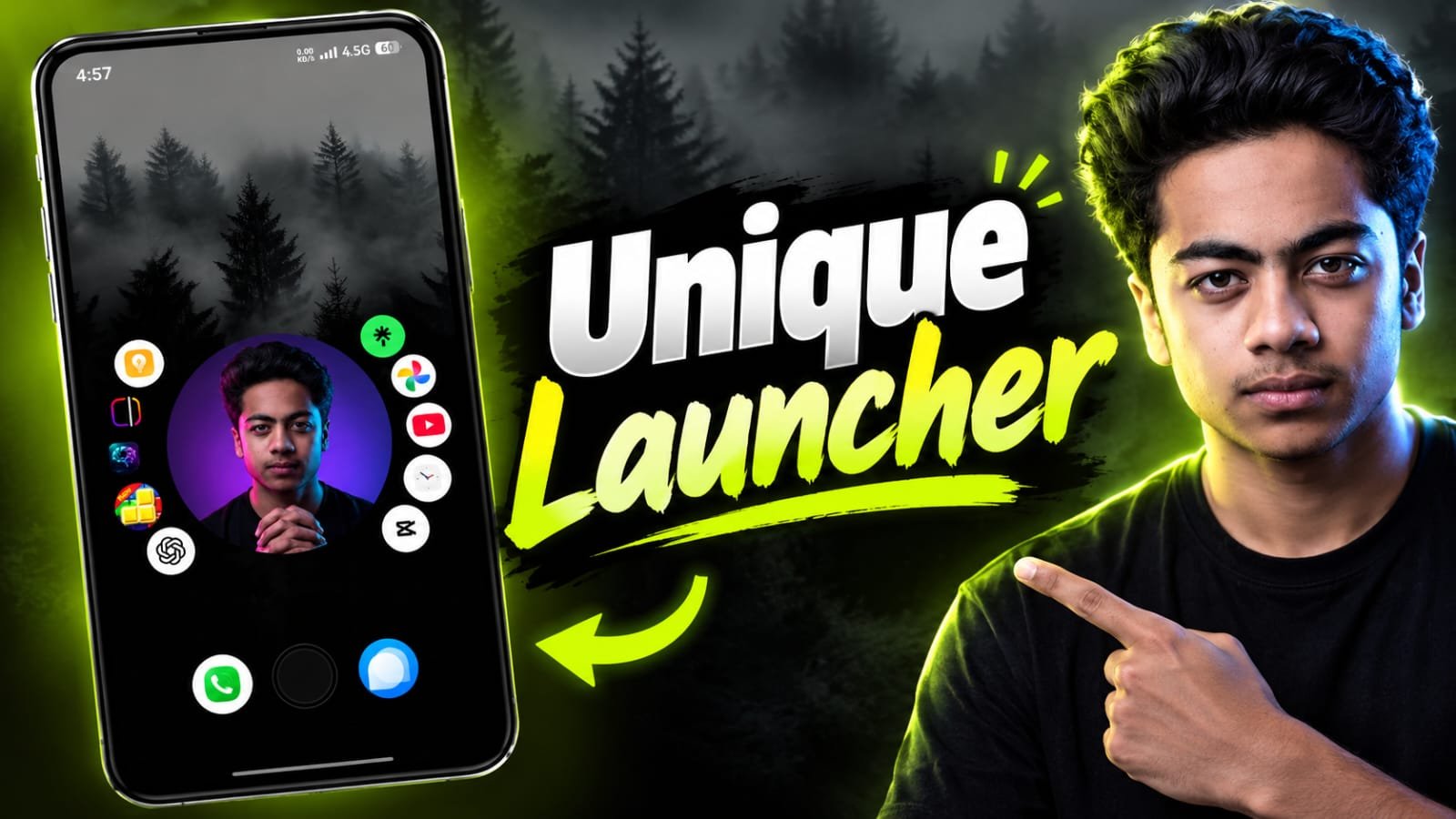
A Unique Launcher can completely change the look and feel of your Android phone. Not only can you change the wallpaper and icon pack, you can also change your entire home screen, app drawer, animations, widgets, navigation experience, etc. A launcher could do all of this .
The right launcher can make your Android phone feel like a whole new device. Whether you want a minimal interface, a futuristic home screen, a clean productivity setup, or something completely different.
A Unique Launcher means:
An Android launcher is a piece of software that controls key parts of your phone’s interface, especially the home screen and app drawer. A Unique Launcher takes this concept further by offering innovative customization features that might not be found in the default launcher.
There is a special launcher which you can use to change the position of the apps and the way they look, customize the icons, add special widgets, customize the gestures, create different layouts for the home-screen and even change the way you access your applications.
The best part is that you don’t have to get a new smartphone. You can install a launcher that will change the look of your current Android device completely.
Why Should You Try Unique Launcher?
The primary reason for using a custom launcher is to customize. Android already offers more customization than most other mobile platforms, but launchers can take it a step further.
For example, you can set up a totally clean home screen with just the apps that you use regularly. Or you can make a futuristic setup with custom icons, widgets, animations and shortcuts.
A launcher can also personalize your phone. You can have an experience that you want, instead of the same interface as millions of other Android users.
For content creators, a custom launcher can also make for a great visual element for screenshots, videos and social media content.
What to Consider in a Unique Launcher
Not all launchers come with the same features. There are some things to consider if you want a launcher that can truly change the way you use your Android.
- Customizable Homescreen
Good launcher should give you control over your home screen. You should be able to arrange apps, widgets, folders and shortcuts however you want.
Some launchers also allow you to remove the unnecessary elements for a clean and distraction-free setup.
- Icons Customization
Icons have a massive effect on the look of your phone. A unique launcher may support custom icon packs with different icon shapes, sizes and layouts.
Select from colorful icons for a colorful setup or simple monochrome icons for a minimal look.
- Custom Widgets
Widgets can make your home screen look better and be more useful. Your launcher might allow you to resize widgets, move them around, or combine them with other layouts.
You can set up a setup that shows the clock, weather, calendar, battery info, music controls or other useful information right on your home screen.
- Movements
Gesture controls can really speed up navigation on your phone. Instead of always opening an app drawer or searching for an app, you can use gestures to do common actions.
A swipe could open notifications, launch an application or show your app drawer.
- Clean and Minimal UI
If you’re a fan of simplicity, look for a launcher that allows you to hide unnecessary icons and interface elements.
A tidy home screen can make your phone look a little more modern, while also helping you focus on the apps and information that matter to you.
Completely Change the Look of Your Android
The coolest thing about a unique launcher is it can change more than just the wallpaper.
Imagine you grab your phone and the interface looks completely different. It doesn’t have to be a traditional grid of apps but you could have your layout with large clock widgets, apps sorted by category, animations or even a desktop-like interface.
Alternatively, you can combine a launcher with a matching wallpaper and icon pack to create a complete theme.
For example, a dark wallpaper with fewer white icons and a simple clock widget can give you a premium looking setup. If you’re after something more futuristic, you can go for neon-style icons, an abstract wallpaper and customized widgets.
“Depends on the launcher, and how much customization is permitted.
Does a Unique Launcher Help Performance?
That depends on which launcher you pick. Some lightweight launchers are designed to consume minimal system resources while others may feature animations and advanced visual effects that require more resources.
If you are on an Android phone with less RAM or older processor, it is usually a better idea to go with a lightweight launcher.
Before installing a launcher check the features, reviews, permissions and performance. A pretty interface is nice but it shouldn’t make your phone slower or less responsive.”
Productivity Unique Launcher
You don’t need to use a launcher just to make your phone look cool. It can increase productivity too.
You can group your most used apps into categories, create shortcuts for common tasks, and remove distracting apps from your main screen.
For example, you can make a work-centric home screen with your email, calendar, notes, cloud storage, and communication apps. Your personal apps can stay put in the app drawer.
It can also make navigating your phone easier and less visually cluttered.
How to Choose the Best Launcher
The best launcher for your Android phone depends on what you want it to do
If customization is at the top of your list, you’ll want to find a launcher with lots of options for icons, gestures, widgets, layouts and animations.
When performance is the priority, choose a lightweight launcher with a simple interface.
If you like original designs, look for launchers with strange layouts and innovative navigation systems.
You also might want to check privacy and permissions. It’s a good idea to pick a launcher from a trusted developer, as a launcher manages a good chunk of your phone’s interface.
Conclusion
Unique Launcher 🔥 is one of the easiest ways to completely change the personality of your Android phone. No new phone, no expensive accessories, no complicated modifications. A good launcher will let you re-arrange your home screen, customize icons, add useful widgets, use gestures, and create an interface that really feels like yours.
So if you enjoy a minimal Android setup or a futuristic design or productivity-focused layout or something totally out there, playing around with different launchers can be a fun way to discover a new Android experience.
So if your current home screen seems dull, try something different. Download a launcher, personalize it with your favorite wallpaper and icons, and turn your ordinary Android phone into something totally different. 🔥