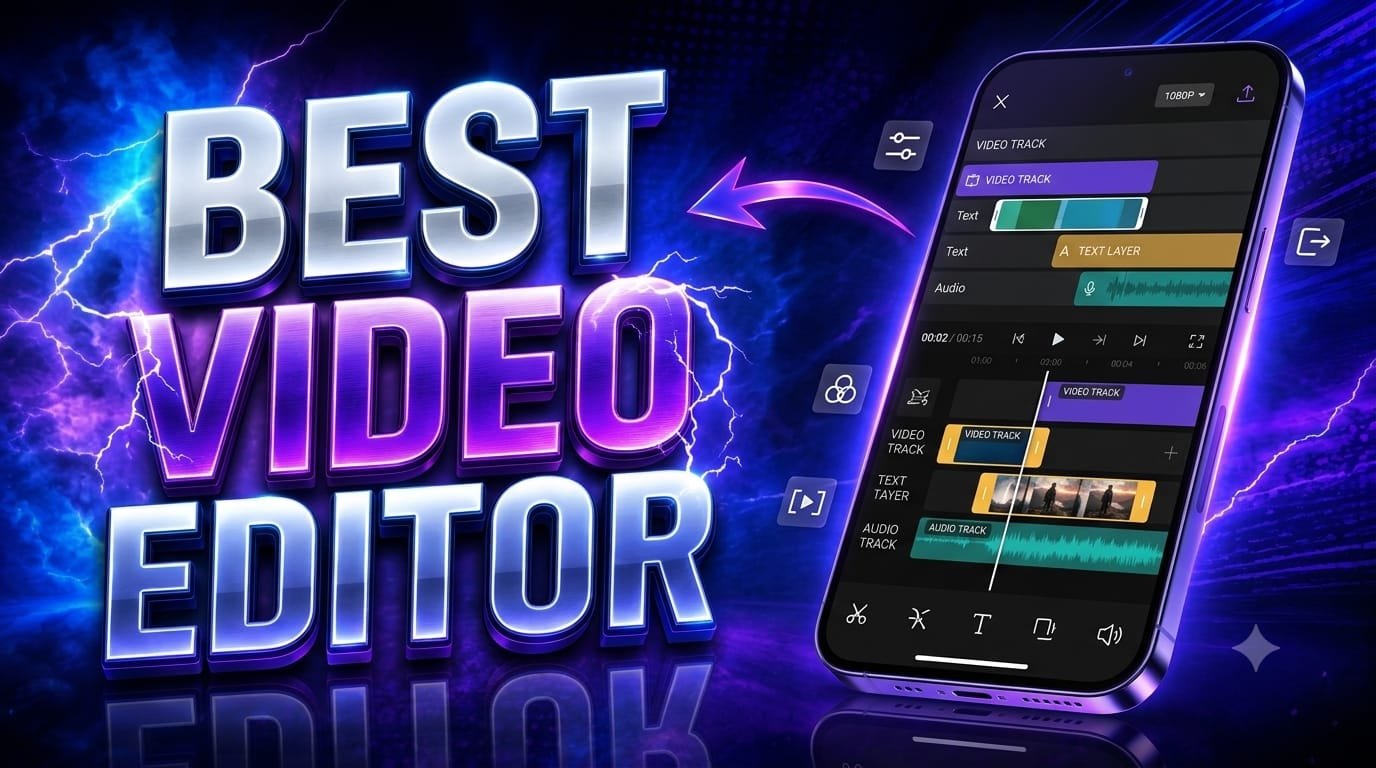

The best video editor can really make a difference in the quality of your videos. If you are making TikTok videos, YouTube shorts, Instagram Reels, tutorials, gaming videos or professional content, the right editing software can help you transform simple clips into engaging, professional-looking videos.
We have lots of apps and software today to edit videos on our mobile phones and computers. But the best option is always going to be dependent on your experience, device, editing needs and the type of content you create.
What makes a best video editor?
You want a video editor that is easy to use, but also has some powerful editing features. Basic things like trimming, cutting, splitting, cropping, transitions, text, music, and filters are very important for everyday editing. Advanced features like keyframes, masking, motion tracking, color correction, background removal and AI-powered tools come in handy for creators who want more control.
Performance is another important factor. The video editor must have an easy way to export videos fast and support resolutions like 1080p and 4K. It should also give you different aspect ratios, especially 9:16 for TikTok, Reels and YouTube Shorts.
CapCut
If you are a beginner and a social media creator, CapCut is one of the most popular options. It provides a simple interface and lots of tools that make editing short-form video much easier. Users can add text, transitions, effects, music, captions, stickers and animations without being a professional editor.
CapCut is especially handy for creators who often make TikTok videos and short-form content. Templates and its AI-powered features can also help speed up editing.
Adobe Premiere Pro
Adobe Premiere Pro is one of the best choices for professional editors. It offers advanced tools for timeline editing, color correction, audio editing, effects, transitions and professional workflows.
Premiere Pro is often used for YouTube videos, documentaries, advertisements, films and other professional projects. But it has a steeper learning curve than mobile editors made for beginners.
DaVinci Resolve Create
Another excellent option is DaVinci Resolve, especially if you want professional features. Edit videos, color correct, add visual effects, create motion graphics and audio production. All in one app.
One of its biggest advantages is the powerful color-grading system. The free version offers many features that are interesting for both beginners and experienced editors.
Video Editing on the Go
If you’re editing mostly on your phone, look for an editor with a clean interface, fast rendering times, auto-captions, effects, and social media-friendly export settings. Mobile editing apps are perfect if you’re a creator wanting to shoot, edit, and publish content quickly without needing a computer.
Sometimes, for short videos, speed and simplicity can be more important than hundreds of complicated professional features.
Selecting the Right Editor
Of course, the best video editor is a matter of need. If you are a beginner creating TikTok videos or YouTube Shorts, select an editor that is easy and quick to use. If you are creating YouTube videos professionally or for commercial purposes, then a desktop editor with advanced tools for timeline and color may be a better choice.
Also, you need to verify that the software performs well on your device, supports your favorite resolution, has the effects you need and offers good export options.
Summary
There isn’t a single best video editor for everyone. CapCut is great for quick social-media editing, while Adobe Premiere Pro and DaVinci Resolve are better suited for more complex, professional workflows.
The best way is to choose an editor that matches your skill level, and content style. Start with the bare essentials, learn the basics of cutting and timing and then work your way into the more advanced features. With the right video editor and a little consistent practice, even basic footage can be turned into engaging, professional-looking polished content.