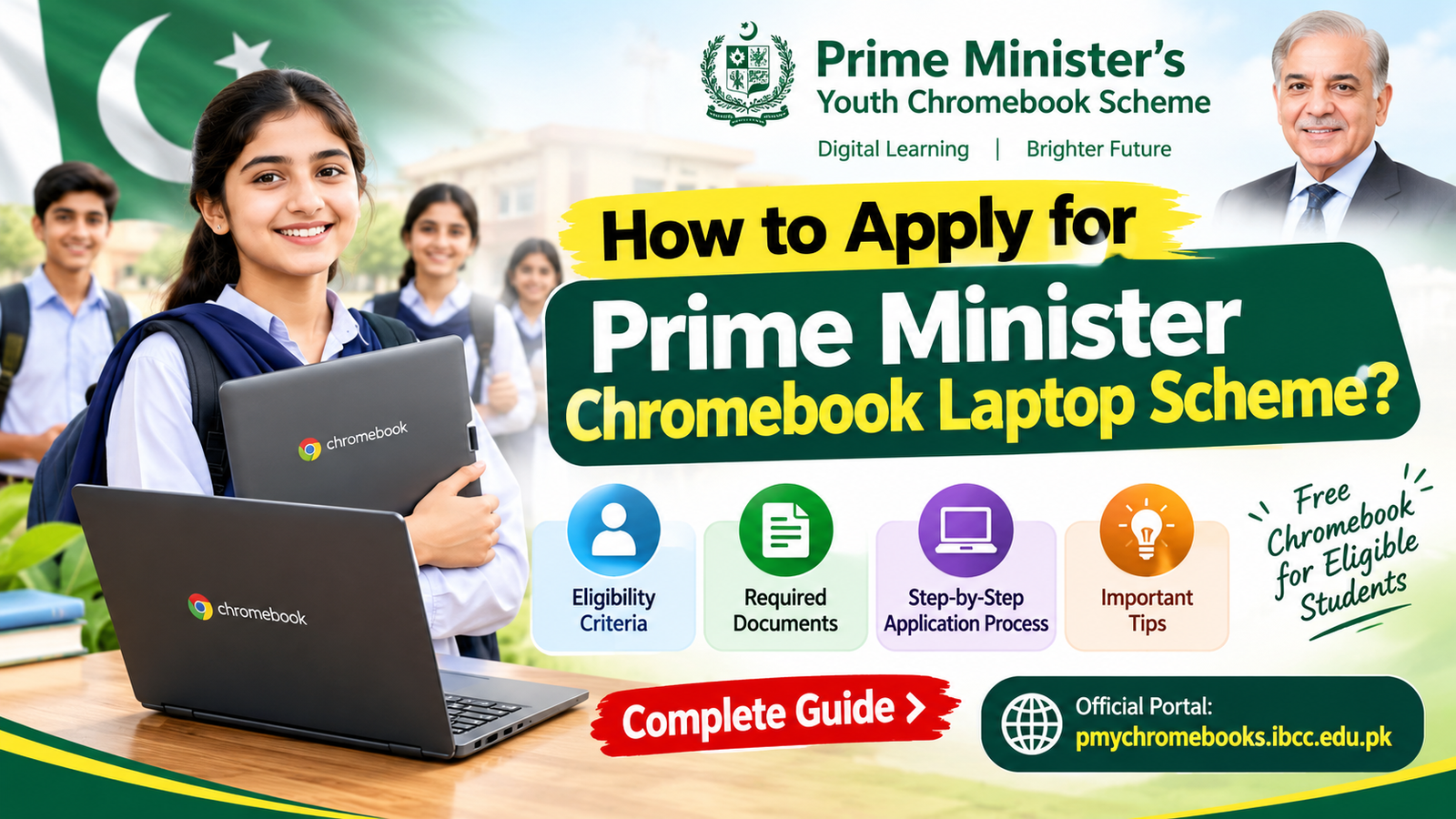

How to Apply for Prime Minister Chromebook Laptop Scheme?
Imagine having your own Chromebook to attend online classes, explore digital libraries, complete assignments, and learn new skills—all without paying for the device. For students in Pakistan, the Prime Minister’s Youth Chromebook Scheme 2026 offers an opportunity to access digital education through a merit-based distribution programme.
The government has announced plans to distribute 500,000 Chromebooks over two years, with internet connectivity devices also included. However, not every student automatically qualifies. Applicants must meet the eligibility requirements and follow the official registration process.
In this guide, you will learn how to apply for the Prime Minister Chromebook Laptop Scheme, who is eligible, which documents are required, and how to avoid common application mistakes.
What Is the Prime Minister Chromebook Laptop Scheme 2026?
The Prime Minister’s Youth Chromebook Scheme is an educational initiative designed to help talented students access modern technology and digital learning resources. The programme aims to support students from government schools and other eligible educational backgrounds through merit-based selection.
According to the official announcement, the initiative plans to distribute 500,000 Chromebooks within two years. The package includes a MiFi internet device to help students access online educational materials.
Students can use Chromebooks for online research, educational videos, digital assignments, e-libraries, and skill-development activities.
Always use the official website to check your eligibility and submit your information.
Who Is Eligible for the Prime Minister Chromebook Scheme?
Before starting your application, check whether you meet the published eligibility criteria.
According to the official Inter Boards Coordination Commission (IBCC) portal:
Punjab, Sindh, Khyber Pakhtunkhwa, and Balochistan: Top-performing Grade 9 (SSC-I) students from government or public schools, based on the 2026 annual examinations.
Islamabad, Azad Jammu and Kashmir, and Gilgit-Baltistan: Top-performing Grade 9 and Grade 10 students from government or public schools, based on the 2026 annual examinations.
School requirement: Students must be enrolled in an eligible government or public school.
Selection depends on academic performance and the applicable programme rules. Students from private schools should not assume they qualify under the published school-student criteria.
Eligibility and registration arrangements may differ by examination board, so check the official portal for the latest instructions.
How to Apply for the Prime Minister Chromebook Laptop Scheme Online
Follow these steps to complete your application through the official IBCC portal.
Step 1: Visit the Official Website
Avoid unofficial websites that promise guaranteed Chromebook approval or ask for registration fees.
Step 2: Select Your Educational Board
Choose the examination board under which you appeared for your annual examination. Make sure you select the correct board and enter your details exactly as recorded in its database.
Step 3: Find Your Student Record
Enter the required information, including:
CNIC or B-Form number
Examination roll number or registration number
Date of birth
The portal allows you to use an applicable identification or examination number. Enter numbers without dashes, as instructed on the website.
Step 4: Verify Your Academic Information
After finding your record, carefully check your name, school, and examination marks. If any information appears incorrect, contact your school or relevant examination board before proceeding.
Step 5: Upload the Required Documents
Prepare clear digital copies of the requested documents and upload them in the specified format.
Step 6: Submit Your Application
Review all details before submitting the form. The official portal states that each student can apply only once and cannot personally edit the submitted form afterward.
After successful submission, download your application slip and save your reference number for future tracking.
Documents Required for the PM Chromebook Scheme
Prepare the following documents before beginning your online registration.
These requirements are listed on the official IBCC portal. Ensure that every document is readable and that the identification details match your application.
Important Tips to Increase Your Chances of a Successful Application
Although selection is merit-based, careful preparation can help you avoid unnecessary application problems.
1. Check your examination results: Confirm that your marks and roll number match the official board record.
2. Apply only through the official portal: Never share sensitive identification documents with unknown websites or social media accounts.
3. Follow board-specific announcements: Registration arrangements can differ between examination boards. For example, the official portal says Sindh registration will open after all relevant boards announce their Class 9 annual examination results for 2026.
4. Keep your application slip safe: Save a digital copy and, if possible, print it for your records.
5. Never submit false information: Incorrect or misleading details can result in cancellation of your Chromebook allocation.
6. Ask your school for assistance: If your record cannot be found, try your roll number or registration number. If the problem continues, contact your examination board.
Frequently Asked Questions
Is the Prime Minister Chromebook Scheme free?
The initiative is announced as a government-supported educational distribution programme. The official registration portal does not list a registration fee. Be cautious of anyone demanding payment to guarantee selection.
Can private school students apply?
The published eligibility criteria for school students specify government or public schools. Private school students should not assume they qualify unless official rules are updated.
How many Chromebooks will be distributed?
The government has announced a target of 500,000 Chromebooks over two years, with distribution based on merit.
How can I check my application status?
Keep your reference number and application slip safe. Visit the official IBCC portal and follow any status-checking instructions published there. If your record is missing, contact your examination board.
What should I do if the website cannot find my record?
Double-check your selected board, date of birth, and identification number. Try your roll number or registration number. If your record remains unavailable, ask your school or examination board to verify your details.
Click here to apply now for chrome book
Conclusion
The Prime Minister Chromebook Laptop Scheme 2026 offers an important opportunity for eligible students in Pakistan to access digital learning tools and improve their educational experience. With 500,000 Chromebooks planned for distribution, understanding the eligibility criteria and completing the application correctly are essential first steps.
The best next step is simple: check your eligibility today, keep your documents ready, and use only the official registration portal.