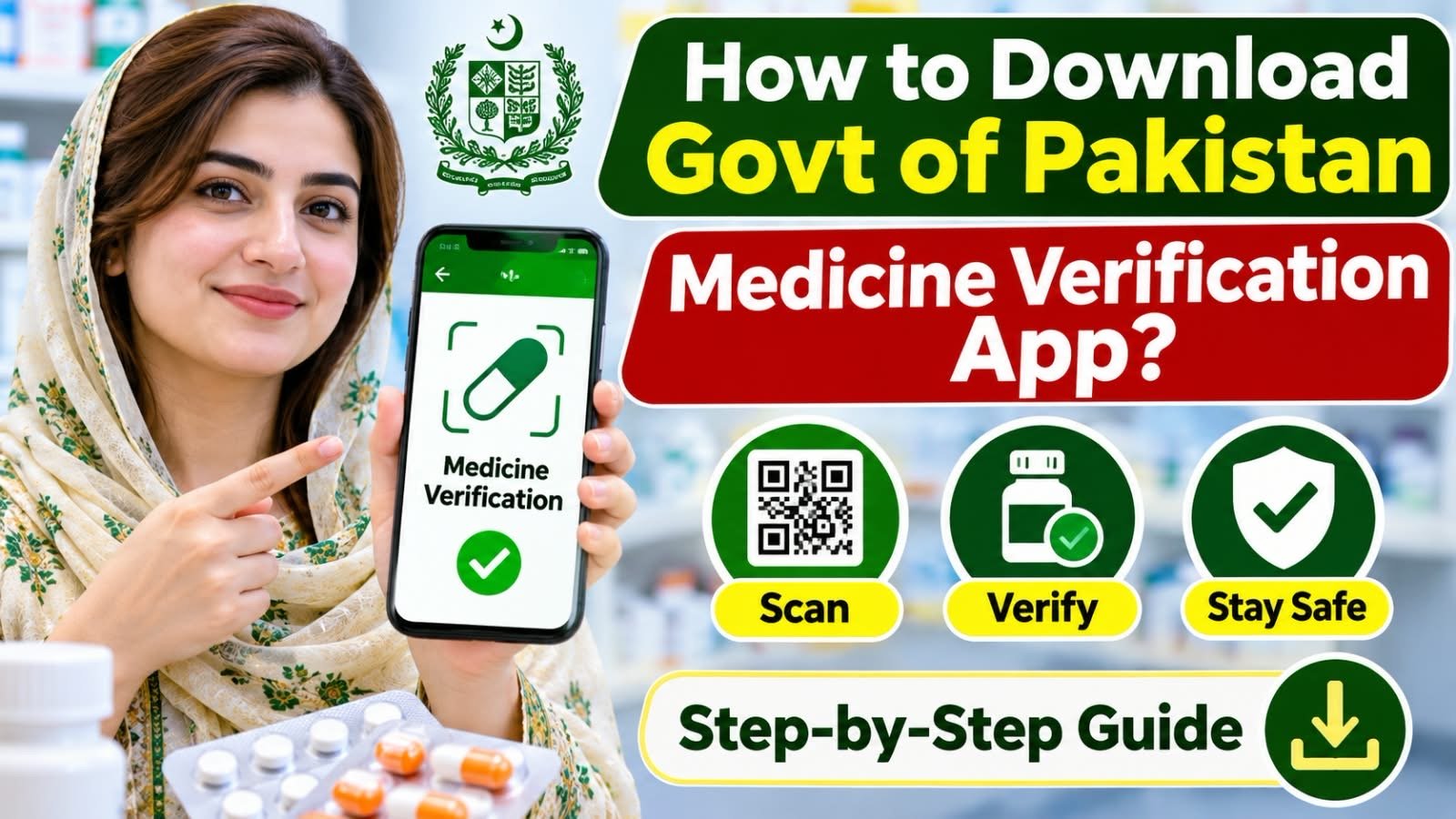

How to Download Govt of Pakistan Medicine Verification App?
Buying medicine from a pharmacy should never put your health at risk. Unfortunately, counterfeit, expired, and substandard medicines remain serious concerns for consumers. To help address this problem, the Government of Pakistan has introduced a digital medicine verification facility that allows people to check medicine information using their smartphones.
The good news is that you can now use the Mehfooz Dawa app, developed for the Drug Regulatory Authority of Pakistan (DRAP), to scan medicine barcodes, check product information, and report suspicious medical products.
In this guide, we will explain how to download the Government of Pakistan medicine verification app, install it on your smartphone, and use it to verify medicines before purchasing them.
What Is the Government of Pakistan Medicine Verification App?
Mehfooz Dawa is an official mobile application associated with the Drug Regulatory Authority of Pakistan (DRAP) and the National Information Technology Board (NITB).
The application aims to improve medicine safety by allowing consumers and healthcare professionals to check pharmaceutical products through digital verification.
Its main purpose is to help people identify potentially counterfeit, unregistered, or overpriced medicines.
The app offers several useful features, including:
- Medicine barcode scanning: Scan product codes to check medicine information.
- Product verification: Check the registration and verification status of medicines.
- Price checking: Access registered medicine price information where available.
- Complaint submission: Report suspicious, counterfeit, substandard, or overpriced products.
- Photo attachments: Submit photographs as supporting evidence.
- Complaint tracking: Follow updates on submitted complaints.
According to the app’s Google Play listing, users can also access product safety information and submit reports directly through the application.
How to Download the Govt of Pakistan Medicine Verification App
Downloading the Mehfooz Dawa app is straightforward. Follow these instructions to install it on your Android smartphone.
Step 1: Open Google Play Store
First, unlock your Android smartphone and open the Google Play Store.
Make sure your device has an active internet connection before proceeding.
Step 2: Search for Mehfooz Dawa
Tap the search bar and type:
Mehfooz Dawa – Government of Pakistan
Look for the application published by National IT Board, Government of Pakistan.
Always check the developer’s name before downloading to avoid installing unofficial applications.
Step 3: Download and Install the App
Open the official application listing and tap the Install button.
Wait for the download and installation process to finish. The application will then appear in your smartphone’s app menu.
Step 4: Open the Application
Once installed, tap the Mehfooz Dawa icon to launch the application.
Follow the instructions displayed on your screen. Allow camera access when requested because barcode scanning requires your smartphone camera.
How to Verify Medicines Using the Mehfooz Dawa App
After successfully installing the application, you can use its scanning feature to check medicine information.
Follow these simple steps:
1. Open the Medicine Scanner
Launch Mehfooz Dawa and locate the product scanning or barcode verification option.
2. Scan the 2D Barcode
Take the medicine package and find its printed 2D barcode.
Open the scanning feature and position your smartphone camera over the barcode. Make sure the code is clearly visible and properly illuminated.
3. Check Medicine Information
After scanning, the application can retrieve available product information from its verification system.
Check the displayed details carefully, including the product’s registration and verification status and its price information where available.
4. Report Suspicious Medicines
If you notice incorrect information, suspicious packaging, or possible overpricing, use the complaint submission facility where applicable.
You may also attach photographs to support your report.
What Are the Benefits of the Pakistan Medicine Verification App?
The Mehfooz Dawa application offers several benefits for ordinary consumers.
1. Protection Against Counterfeit Medicines
Scanning medicine barcodes helps consumers check whether products match information available in the official verification system.
2. Better Price Transparency
Consumers can compare available registered price information with the price charged by pharmacies.
3. Easy Complaint Reporting
Instead of relying entirely on traditional complaint methods, users can submit reports through their smartphones.
4. Improved Public Awareness
The application encourages people to take an active role in checking the medicines they purchase.
Pakistan’s nationwide pharmaceutical track-and-trace system became operational on October 9, 2026. According to the Ministry of National Health Services, around 800 pharmaceutical companies and more than 90,000 medicines were registered with DRAP.
Important Tips Before Using the App
For a better experience, keep these points in mind:
- Download the application only from its official Google Play Store listing.
- Check the developer’s name before installation.
- Ensure your internet connection is working.
- Scan the original 2D barcode printed on the medicine packaging.
- Keep the medicine packaging available until verification is complete.
- Purchase medicines from licensed and reputable pharmacies.
- Never use an app result as a substitute for professional medical advice.
If a barcode cannot be scanned or the product information is unavailable, contact DRAP or consult a licensed pharmacist rather than assuming the medicine is genuine or fake.
Is the Mehfooz Dawa App Available for iPhone?
The official Google Play listing confirms the Android version of Mehfooz Dawa. However, an official iPhone version could not be independently confirmed.
iPhone users should check the Apple App Store for an official listing before installing any alternative application. Avoid downloading unverified APK files or applications from unknown websites.
Conclusion
The Government of Pakistan medicine verification app, Mehfooz Dawa, is a useful digital initiative designed to help consumers check medicines and report suspicious pharmaceutical products.
Downloading the application is simple: open Google Play Store, search for Mehfooz Dawa, verify that the developer is National IT Board, Government of Pakistan, and install the app.
Click here to download for andriod
By scanning medicine barcodes and checking available product information, consumers can make more informed purchasing decisions. Always buy medicines from licensed pharmacies and consult healthcare professionals whenever you have concerns about a medicine’s safety or quality.